Turn the video you already have into a week of posts.
Your coaching call, workshop, talk or podcast goes in. Captioned vertical clips of your best moments come out, ready for you to approve and post.
For coaches, consultants, course creators and podcasters · Private pilot
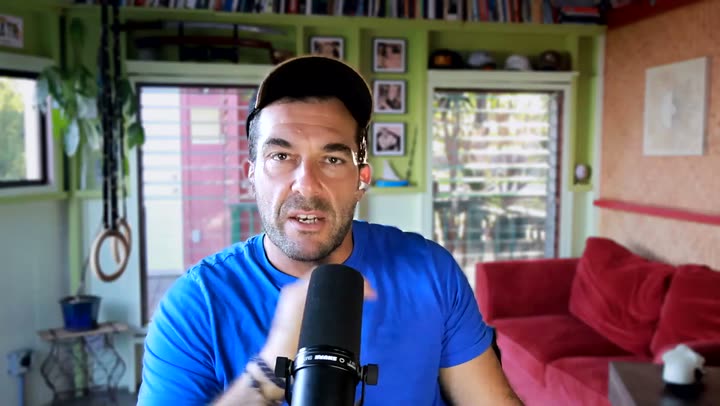
Amplifier finds the moments worth sharing in your speaking turns. The group tiles here are an illustration.
What should change?
FromZoomUploadsToInstagramTikTokYouTubeLinkedInFacebookThreads
How it works
How a call becomes a clip.
- 01
It finds the moments
Amplifier reads the whole recording and picks the parts of your speaking turns that make sense on their own.
- 02
It frames you
Each clip is cut vertical around you. Your words stay in the order you said them; nothing is invented or rearranged.
- 03
It adds your look
Captions, a headline and post text in your style, kept clear of each app’s buttons.
- 04
It waits for your yes
You watch it on your phone and approve, change or delete. Approved clips go out at your posting times.
What you get each week
Clips from Tuesday’s call, out by the weekend.
- MON
- TUEGroup call recorded5 clips ready to watch that evening
- WEDYou approve 4On your phone, in a few minutes
- THU09:00 · Instagram09:00 · LinkedIn
- FRI18:00 · TikTok inbox
- SAT10:00 · YouTube, private upload
- SUNResults so farPer post, per account
An example week. You set your own posting days and times, and how each account receives your clips.
Built for group calls
Your clients came to be coached, not to be posted.
Goes into your clips
- Your speaking turns, in the order you said them
- Your face, framed around you
- Captions of your words, in your look
Stays in the call
- What clients said between your turns
- Client faces: blurred, or left out
- Topics you’ve asked Amplifier to avoid
You confirm it’s your voice, and you approve every clip before it goes anywhere. Amplifier doesn’t use facial recognition. You ask your group for permission to record, as you do today. How we handle recordings
Your look, your voice
Clips that look and sound like you.
Pick a look once: headline and caption fonts, caption style, accent colour, logo and colour grade. New clips use it, and you can change any single clip when you review it. Post text follows your own guidance and examples.
Works from ChatGPT
Ask for clips where you already work.
Pilot members can connect Amplifier to ChatGPT and ask it to make clips from a recording, revise one, or schedule the ones they’ve approved. ChatGPT can’t approve clips, change who appears in them, or see your account keys. You stay the one who says yes. How the connection works
Make three clips from Tuesday’s call about pricing.
I’ve made 3 clips from Tuesday group call. They’re waiting for you in Amplifier.
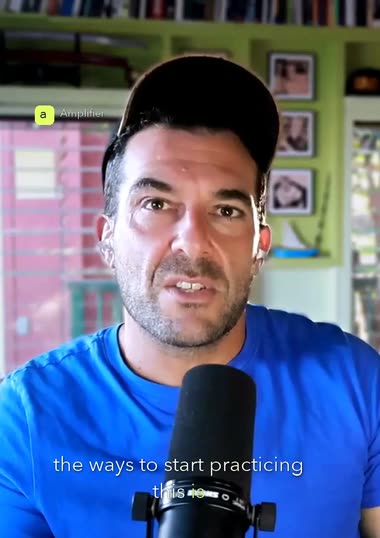
Open Amplifier to watch and approve.
Example conversation.
Honest results
See what each post did, compared with your own usual.
Views, likes, comments, saves and shares for every post, account by account. When an app doesn’t report a number, you see a dash, never a guess.
- Instagram · 3 days online1,240 views
About twice your usual, from 6 similar posts
- TikTok · 2 days online— saves
TikTok doesn’t share saves with apps
- LinkedIn · posted by youMarked as posted
Self-reported, so no verified numbers
Illustration with sample numbers.
Questions
What is Amplifier?
Amplifier turns the video you already record, such as coaching calls, workshops, talks and podcasts, into short captioned vertical clips. It posts each clip to your social accounts after you approve it. It’s for coaches, consultants, course creators and podcasters who teach live.
What kinds of recordings work?
Zoom cloud recordings, once you connect your Zoom account and choose a call series, and uploaded video files. Uploads can include a separate gallery view, call audio and a transcript. Group calls, one-to-one sessions, workshops, talks and podcast episodes all work when you’re speaking on camera.
Does anything post without my approval?
No. Every clip, and every new version of a clip, waits for your approval. For each account you choose how approved clips go out: published for you, sent to your TikTok inbox, uploaded privately to YouTube, or made ready for you to post yourself.
Which platforms can it post to?
Instagram, TikTok, YouTube, LinkedIn, Facebook and Threads.
How does it protect my clients on group calls?
Clips are built from your speaking turns. What clients said between your turns is left out, and the group view is blurred or left out of the clip. You confirm your voice once per call series, and Amplifier doesn’t use facial recognition. You’re responsible for getting permission to record, and every clip needs your approval. Read the privacy policy.
Do you train AI on my recordings?
We don’t train our own AI models on your content. Amplifier uses AI services to choose moments and write post text; those requests can include your transcript, your preferences and a small number of video frames. The privacy policy lists every service we use.
Can I use it from ChatGPT?
Yes, if you’re a pilot member. ChatGPT can make and revise clips and schedule approved ones. Approving clips, choosing who appears and your account keys stay with you in Amplifier.
How much does it cost?
Amplifier is in an invitation-only pilot, and public pricing isn’t set yet.
Your next recording could be next week’s posts.
Amplifier is in a private pilot. Tell us what you teach, where you post and how you record.